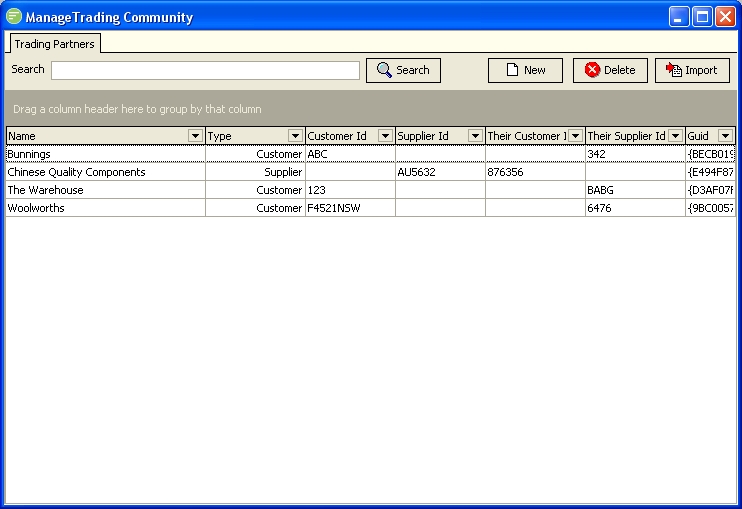
| Field Name | Description |
|---|---|
| Search | Filter the list to display only the Trading Partners whose Name matches the search pattern. |
| Trading Partner List | A list of trading partners that match the filter. Double click to edit the Trading Partner |
| Button Name | Description |
|---|---|
| Search | Click to apply the current filter settings to the list of Trading Partners |
| New | Click to create a new Trading Partner |
| Delete | Click to delete the selected Trading Partner. You can use Control and Shift keys to select multiple Trading Partners. |
| Import | Click to import a Template file containing a Trading Partner. You will be asked for the location of the Template file. See "Exporting and Importing" |